
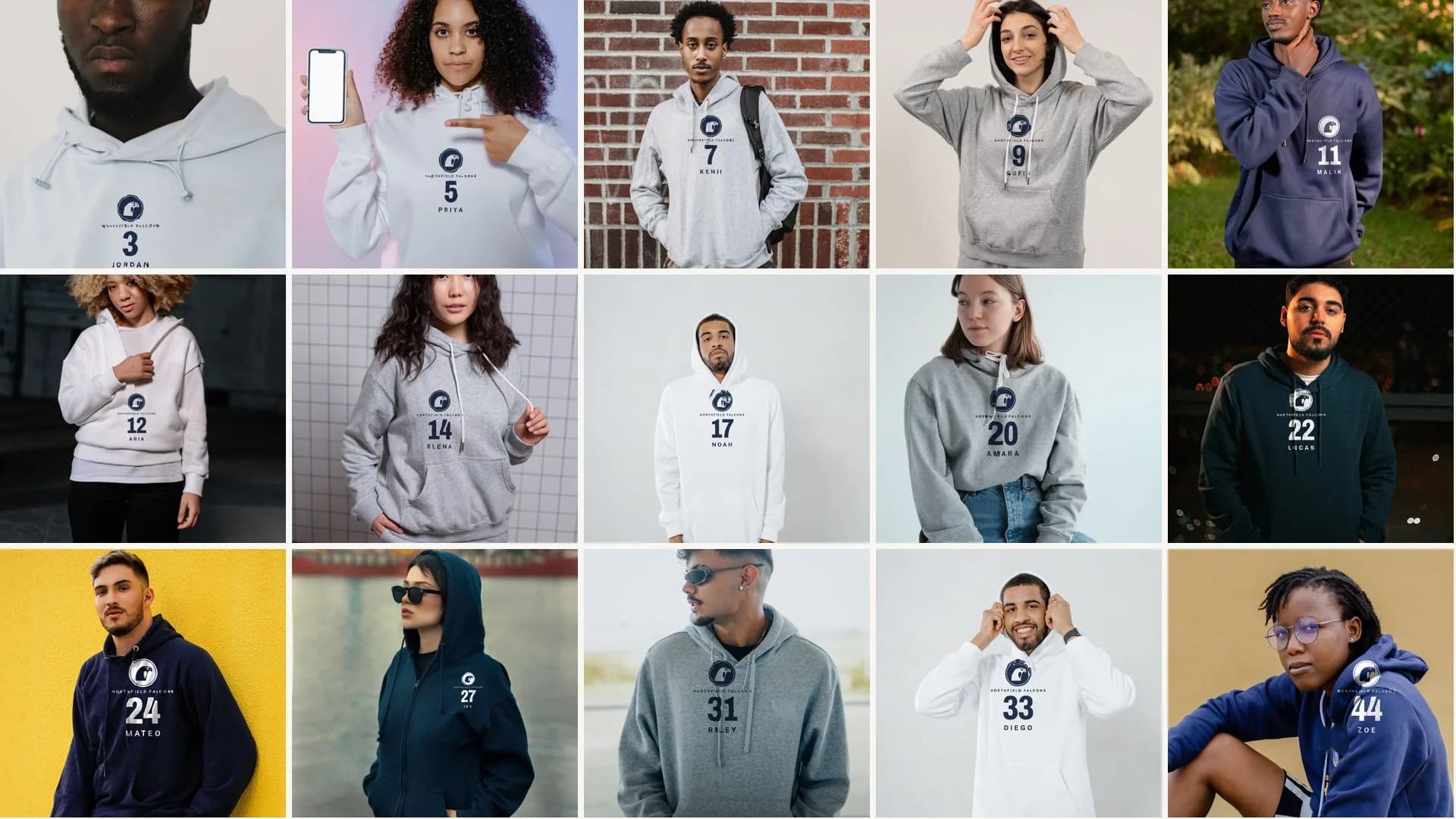
The whole team

Product count
15 designs, 15 products
Each player artwork becomes one hoodie product. The selected colors and sizes are variants inside that product.
In this workflow, one file prints on every color in a Printify product. Use navy artwork on white and sport gray hoodies, and a separate upload with white artwork for navy hoodies. Two uploads of 15 designs still create 15 products each, or 30 total.
Artwork files
Name each file for the player and number.
Export one transparent PNG or finished JPEG per player. Put the player name and number in the filename so you can match each proposed product to the roster during review. Productify does not create the name-and-number artwork from a roster; the finished image must already contain what you want printed.
| Hoodie mockup | Artwork file | Product |
|---|---|---|
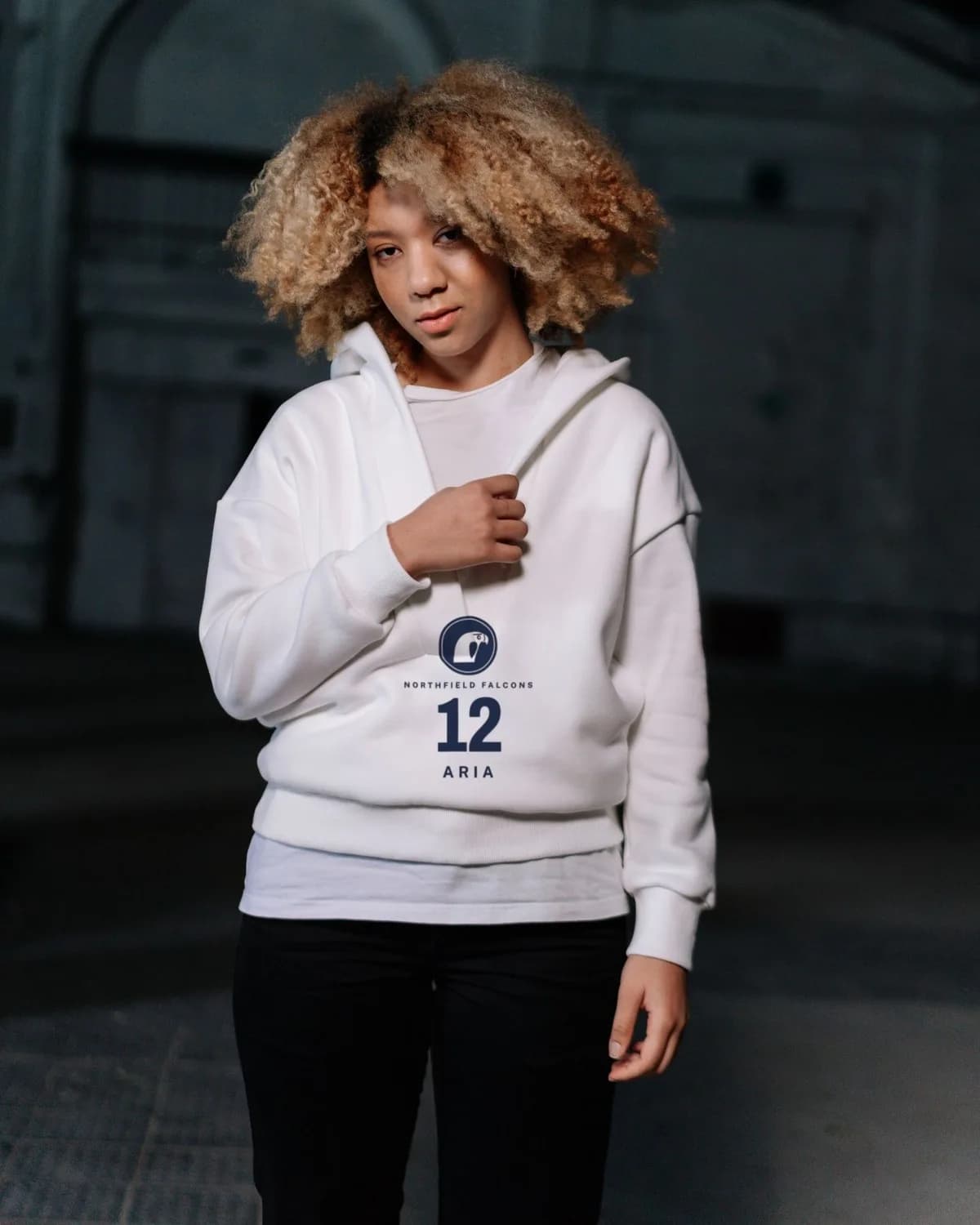 | falcons-aria-12.pngNavy artwork | Aria #12 team hoodieWhite |
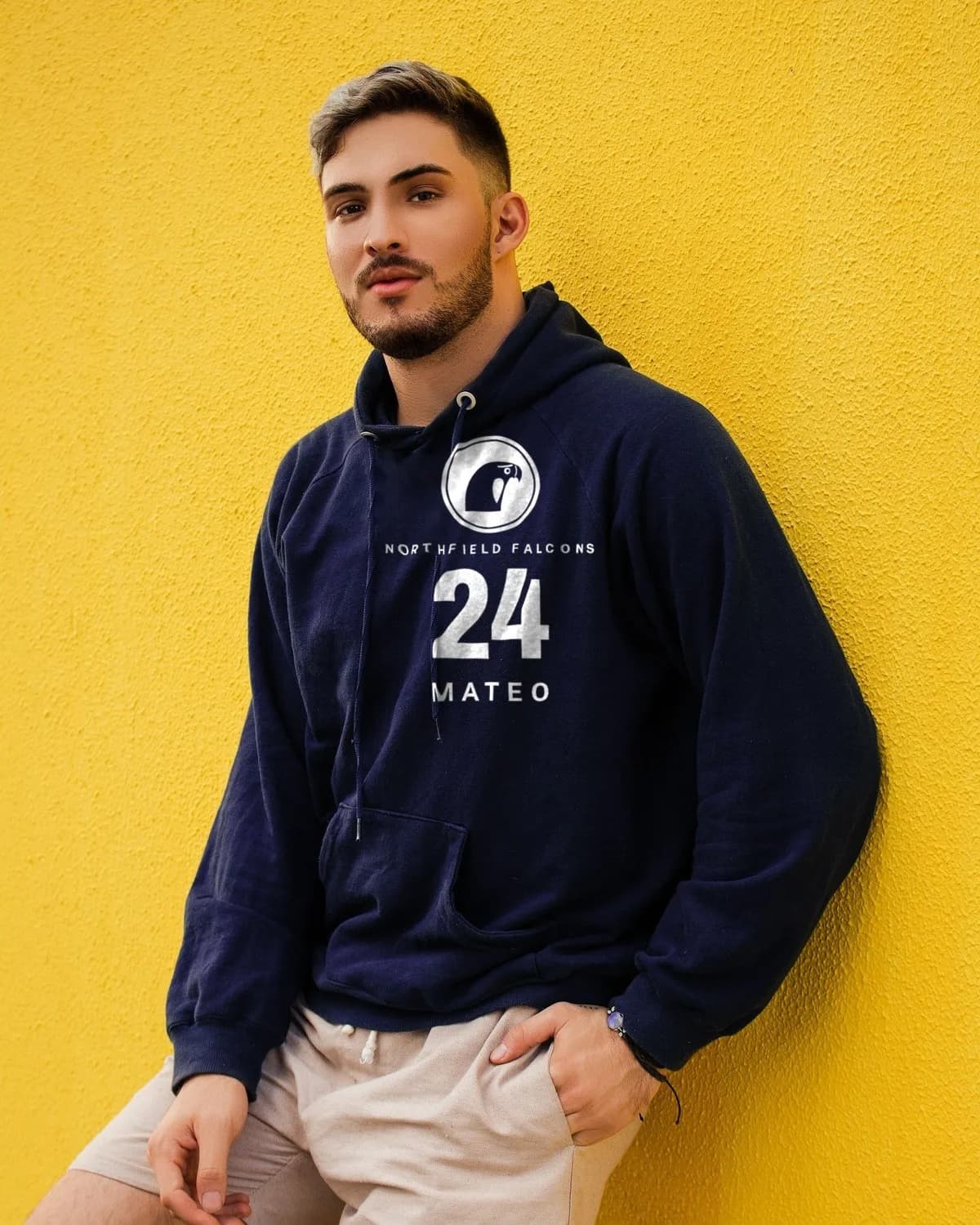 | falcons-mateo-24.pngWhite artwork, separate upload | Mateo #24 team hoodieNavy |
 | falcons-riley-31.pngNavy artwork | Riley #31 team hoodieGray |
Before publishing, confirm that you can use the team marks and player details, especially when the products include the name or number of a minor.
Team hoodie walkthrough
Create the 15 hoodie products.
Create a Productify account and connect your Printify shop before starting.
- Choose one hoodie setup. Reuse a past Printify product or saved Productify template, or choose a new hoodie and print provider. Set white and gray as the colors for the navy artwork, then choose sizes, price and placement. Use a separate upload for navy hoodies with white artwork.
- Add the 15 finished designs. Productify prepares one product for review from each finished PNG or JPEG, using the same hoodie setup. Keep all 15 files in this upload in the same artwork color.
- Write a listing for each player’s hoodie. Write the title, description and tags yourself, or let Productify draft them from the artwork and your shop’s voice. Check names and numbers against the roster.
- Review, then create in Printify. Check each design, listing, color, size, price and placement before approving creation. The 15 products are created in your selected Printify shop. Publish through Printify to its connected store when you are ready.
Follow the guide to reuse an existing product or choose a new product and print provider.
More garments
Use the 15 designs again for each garment.
An adult hoodie, youth shirt, adult shirt and sweatshirt use different Printify product types and may have different providers, colors, sizes and print areas. Create each garment in a separate upload.
Use the same 15 artwork files again. Reuse a past product or template for the next garment, confirm its setup, and upload the full artwork set. Across four garment setups, 15 designs create 60 products when each setup uses one artwork color. A second artwork color needs a separate upload.
Before creation
Check every player product.
- Player name and number match the source roster
- The right artwork is attached to the proposed product
- Logo and text sit inside the intended print area
- Colors, sizes and retail prices are correct
- Navy artwork is paired with white or gray hoodies; white artwork is paired with navy hoodies
- The destination shop is connected to the right sales channel
Frequently asked questions
Can all 15 player designs go into one upload?
Yes. The guided Productify flow accepts up to 50 artwork files. The 15 files become 15 proposed products using the same hoodie setup.
Do three hoodie colors create 45 products?
No. Colors and sizes are variants inside a product. This example needs 15 products with navy artwork for white and gray hoodies, plus 15 with white artwork for navy hoodies. That is 30 products across two uploads, not 45.
Can I create the adult hoodie and youth shirt in one upload?
No. Use a separate upload for each product and print provider. Each garment needs its own colors, sizes, price and artwork placement.
Can I put a team logo on the front and a player name on the back?
Not in this Productify web workflow. Each product uses one design on one print area. Use Printify’s Product Creator for a product that needs separate front and back artwork.
Can Productify write the player-specific listings?
It can draft a title, description and tags for each artwork using visible design details, the saved shop voice and verified details for the selected hoodie. Review every field before creation.
Can the products go to an Etsy or Shopify team store?
Create them in the Printify shop connected to that storefront, then publish through the shop's connected sales channel. Productify publishes through Printify rather than connecting to the storefront separately.