
Before you start
Connect your Printify shop and have a product or saved template ready to reuse.
From saved setup to new products.
Choose the product you want to reuse
For an existing Printify product, open Products, choose Shop catalog and select Clone. For a saved Productify template, select it in Create products. Check the inherited settings; Change for this upload adjusts only this upload.
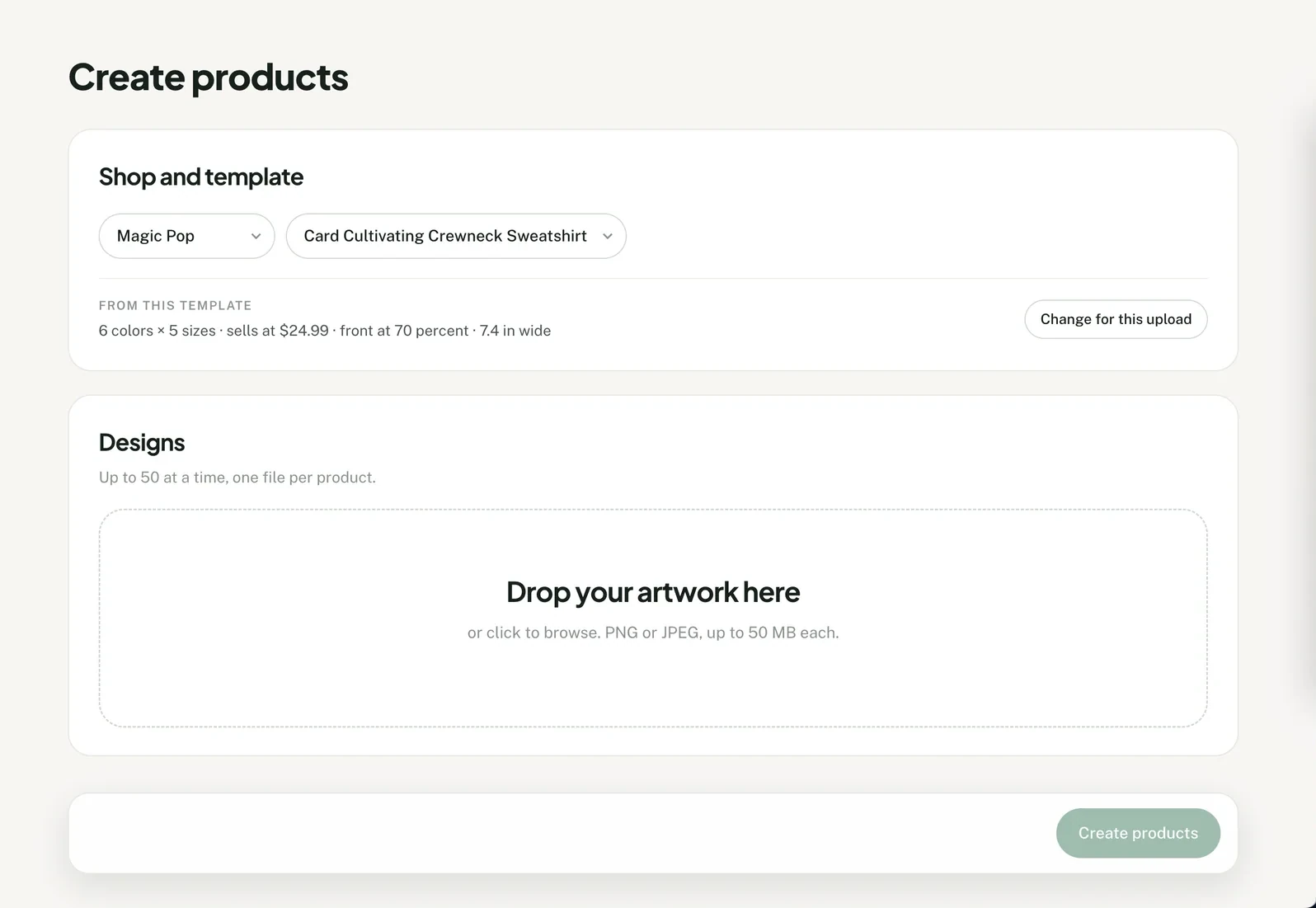
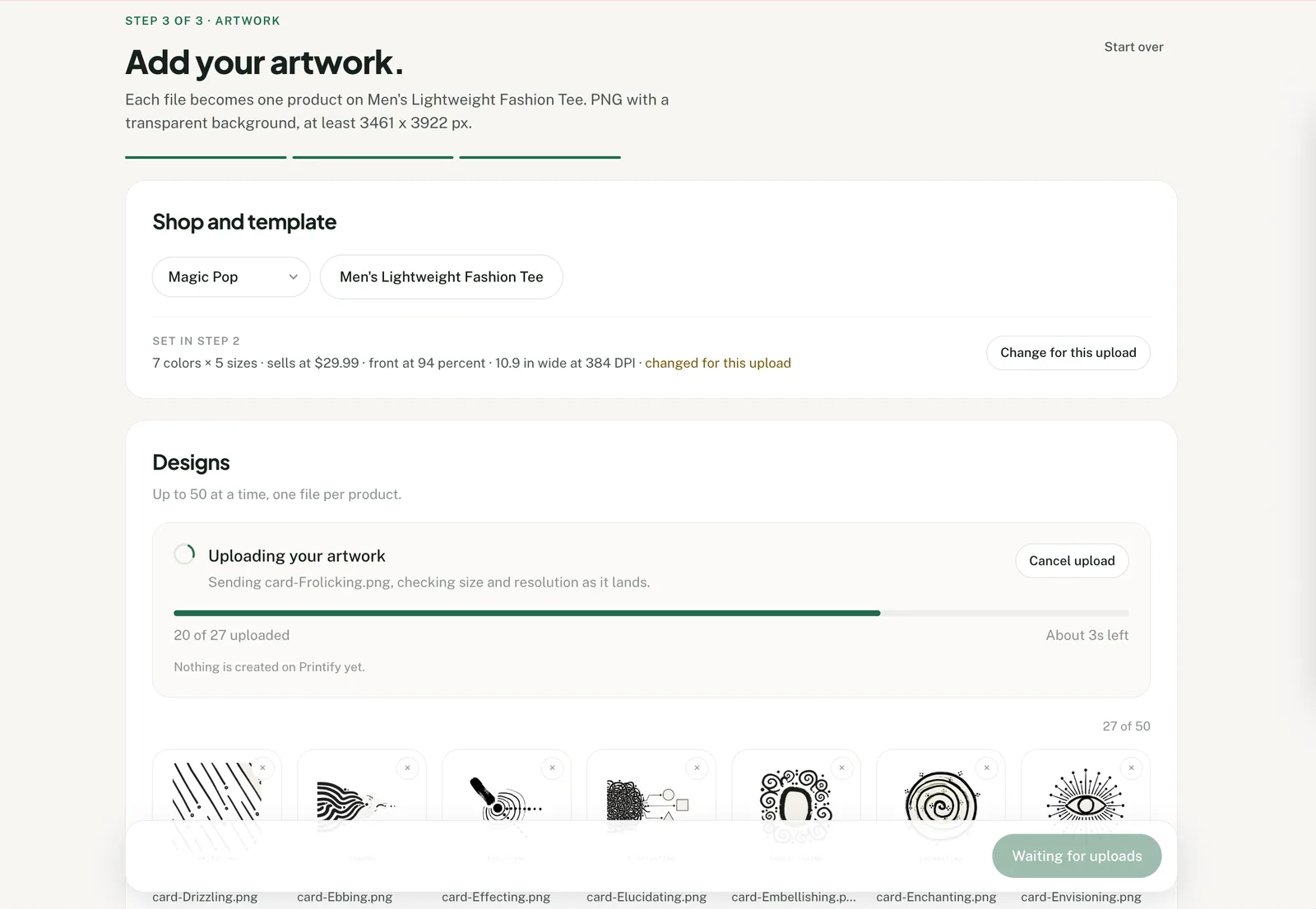
Add your artwork
Upload up to 50 PNG or JPEG files. Each artwork becomes one proposed product using the selected setup.
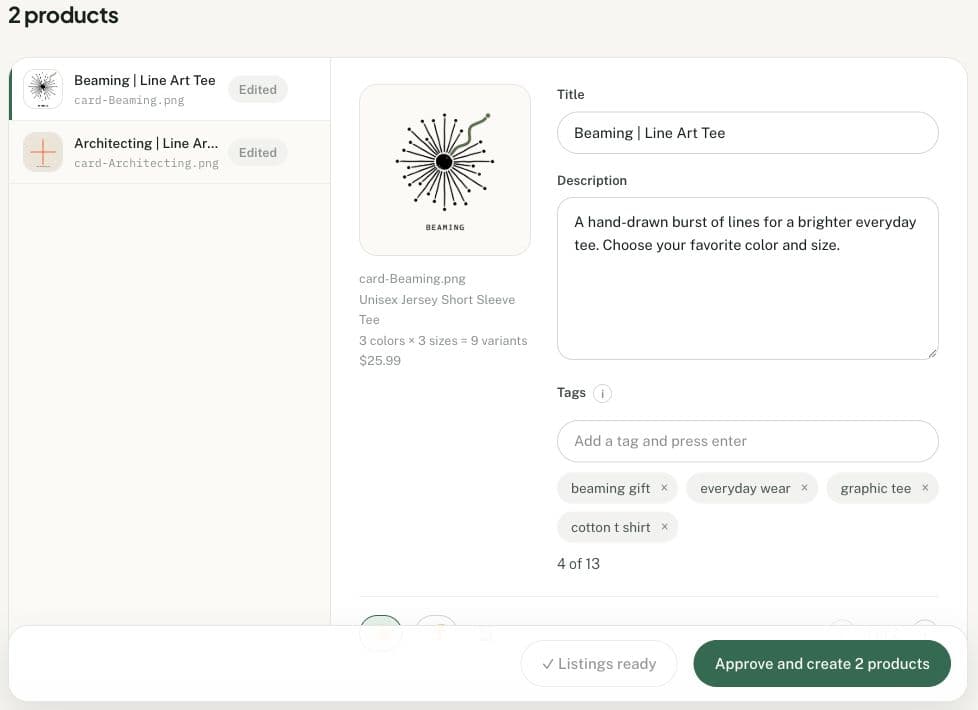
Review the listings
Write the listings yourself, or ask Productify to draft copy for each design. Check the artwork, listing text, colors, sizes, prices and placement before creation.
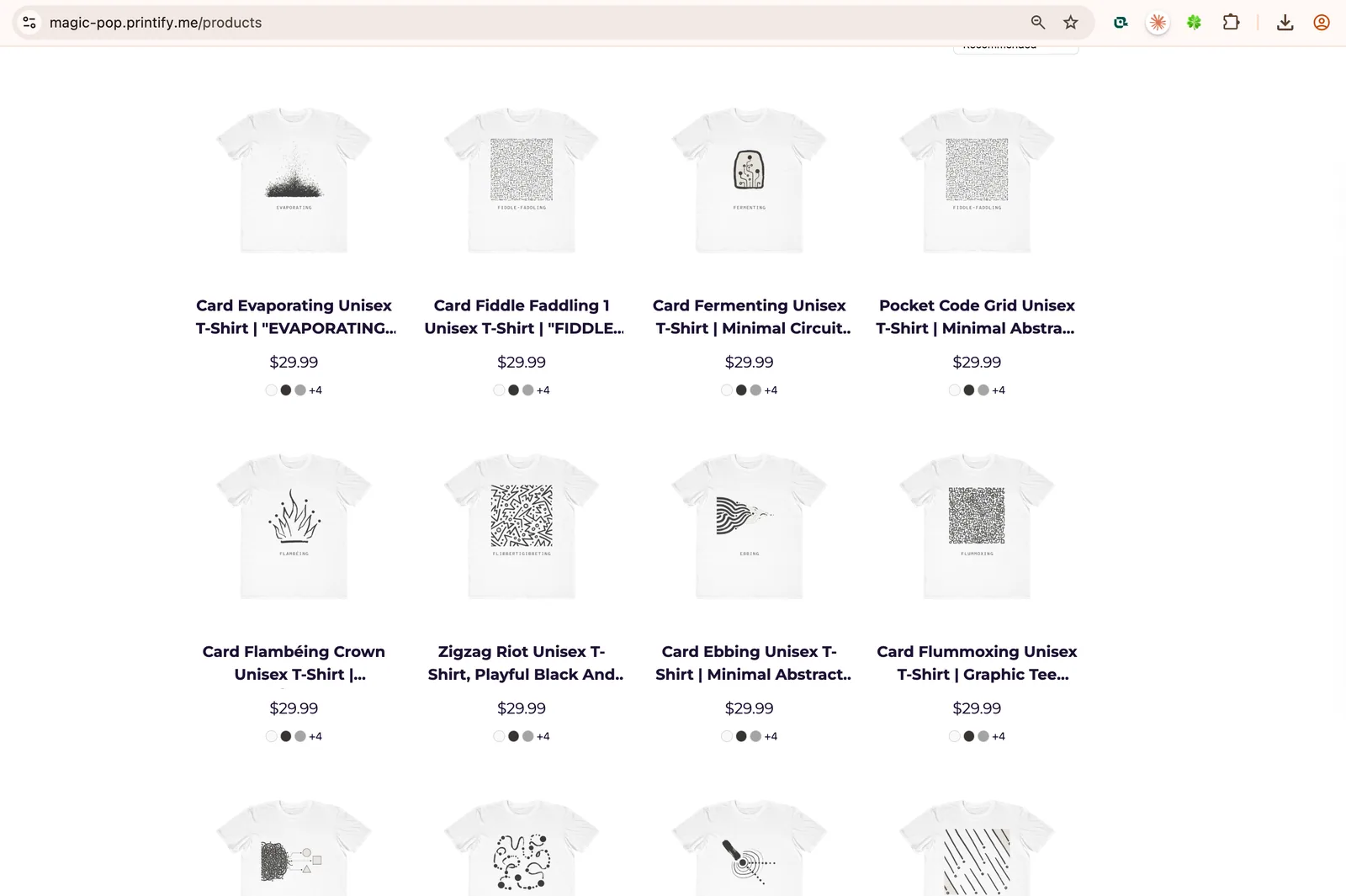
Create, then publish
Approve the reviewed products to create them in your selected Printify shop, unpublished. Publish through that shop’s connected sales channel when you are ready.
Reusing a product
Bulk creation from a template FAQ
When should I use Printify’s Duplicate instead?
For one new design, Printify’s Duplicate feature may be enough. Use Productify for a folder of designs, with a separate product and listing for each file.
What is a Productify template?
A saved Productify template is a reusable Printify product setup. You can create one from a past product in a connected Printify shop, then use it as the starting point for new designs.
Which product settings does Productify reuse?
Productify carries the product type, print provider and enabled colors and sizes, one retail price (the most common one on the source) and the print area and placement of its first design. Artwork on other print areas is not copied. The source description can be offered for reuse.
Does Productify change the original Printify product?
No. Productify reads the setup and applies it to new proposed products. The original product remains unchanged.
Can I change the template for one upload?
Yes. Change the colors, sizes, price or artwork placement for the current upload. Those changes do not overwrite the saved template.
Does the old artwork carry into the new products?
No. Every proposed product uses one of the new artwork files you add. The source product's main mockup may appear as the template thumbnail so you can recognize the setup.
How many designs can I add at once?
Up to 50 PNG or JPEG files per upload, from a saved template or from a product cloned in Shop catalog. Each file becomes one proposed product.